
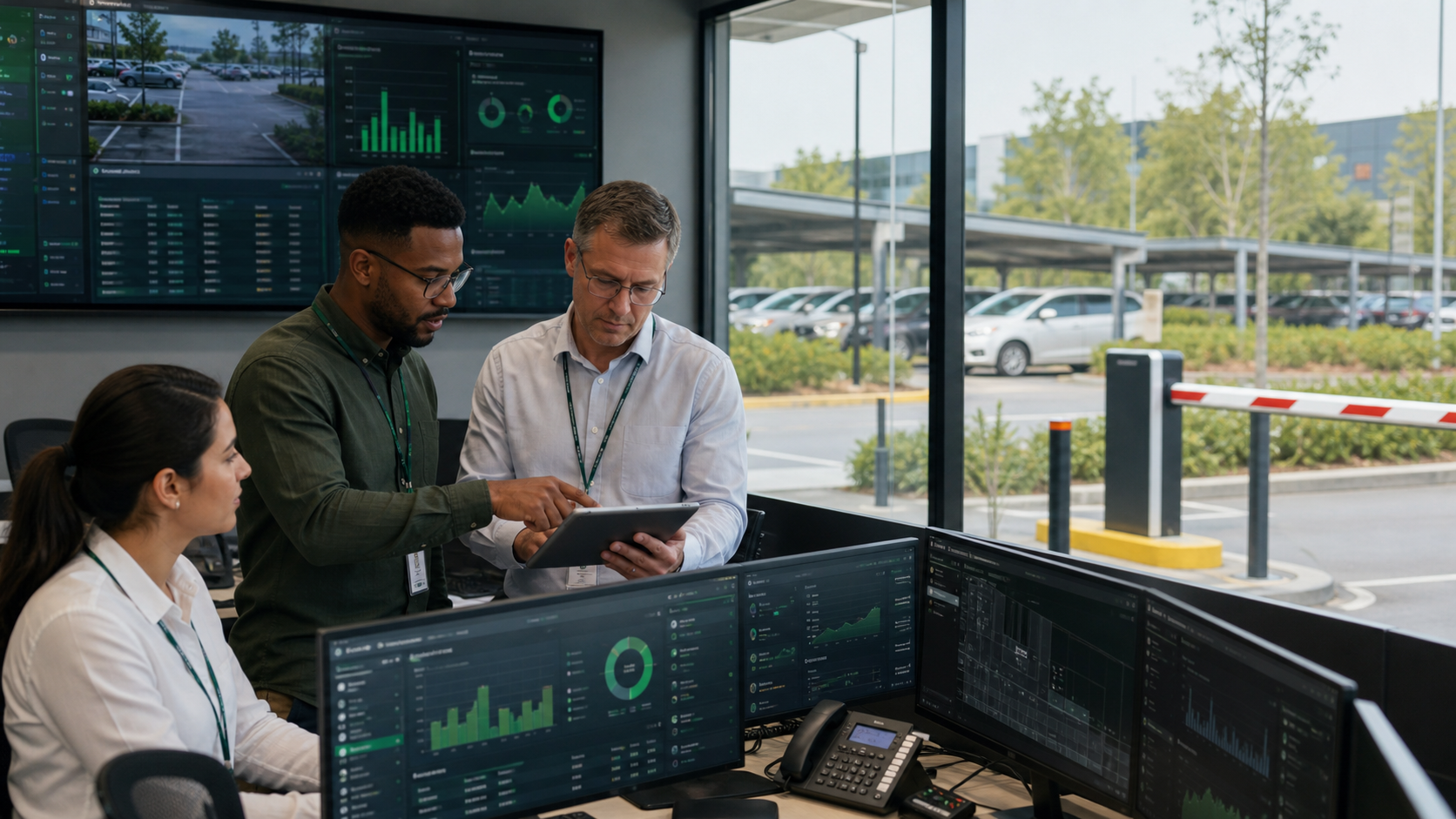
For parking operators
Many sites.One back office.Every shift counted.
Attendants on the security app, gates by plate or tally, enforcement that holds unpaid exits, and settlement to each owner — across every car park you run.
Growing sites shouldn’t mean growing blind spots
Today
- Each site run on its own spreadsheet
- Cash collections you can’t reconcile by attendant
- Overstays and unpaid exits handled by phone calls
- Owners asking for reports you have to build by hand
With ParkNCharge
- All sites, staff and sessions in one back office
- Collections per shift and per attendant, matched to sessions
- Blocklists, overstay flags and held exits with a full log
- Owner reports and settlement produced for you
A day across your portfolio
From opening the gates to settling with each owner.
- 01
Open
Attendants sign in to the security app at their gate; live capacity is visible for every site.
- 02
Enter and exit
Plates, tally cards or booking codes start and end sessions; gate stations take POS, cash or tenant billing.
- 03
Enforce
Blocked plates are refused, overstays are flagged and unpaid exits are held, each with the reason recorded.
- 04
Reconcile
Every shift’s collections are matched to sessions; differences show before the money is banked.
- 05
Settle
Each owner gets their report and payout on the agreed split.
Everything you need, in one platform
Each part works on its own and together. Follow a link to see it in detail.
Security app
Attendant exits, plate lookup, tally scanning and gate opening on a phone.
Enforcement
Blocklists, overstay control, violations and appeals.
Staff & roles
Who can see and do what, per site, with an audit log.
Reconciliation
Collections, payments and payouts that tie out.
Owner settlement
Agreed splits, payouts and owner-facing reports.
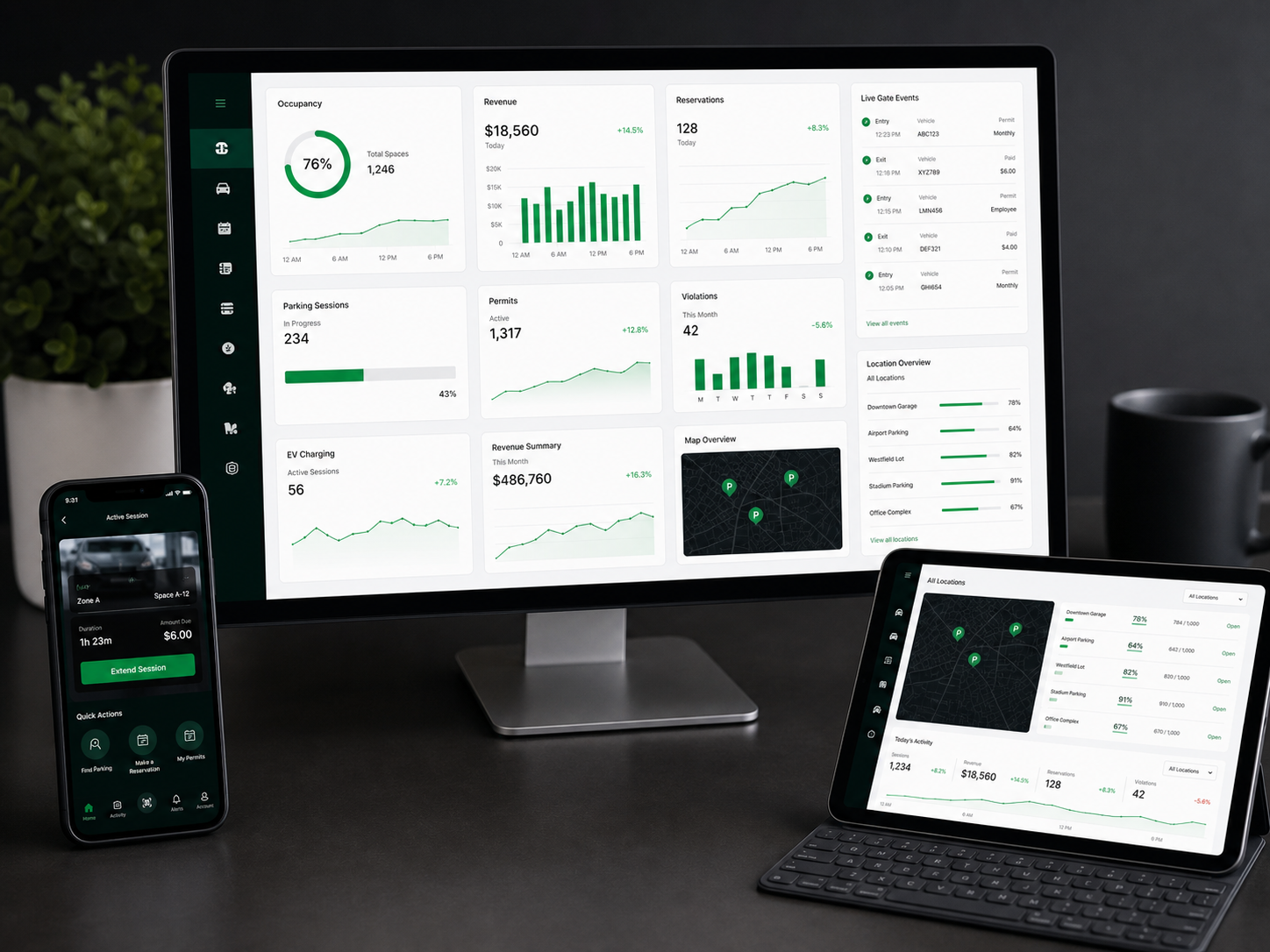
Analytics
Occupancy, revenue and gate activity per site and across the portfolio.
Start where you are
Pick the model that fits your site and team. You can move between them as you grow.
Connect · usual start
Software on your setup
Our platform on your existing gates, cameras and staff. You run the site; we run the software.
Complete
Hardware + software
We supply and install cameras, barriers, tally units and gate stations, configure everything and train your team.
See it on your own site
A 30-minute call: we walk through your site, show the journey above on real screens and tell you what it would take to go live.
Questions we hear
Can each owner see only their own sites?
Yes. Owners get their own view and reports; your team sees the whole portfolio.
What do we need at each gate?
A phone running the security app is enough to start. Add Smart Tally units, a POS, cameras and barrier control where traffic justifies it. We’ll look at connectivity at each site during the survey.
How long does it take to bring a site on?
A car park can go live as soon as its rates, staff and payout details are set. We help you set up each site and train your attendants.
Also on ParkNCharge