
For estates & communities
Every resident.Every visitor.One gate.
Resident permits tied to number plates, a fair waiting list for scarce spaces, visitor passes residents arrange themselves, and billing the estate board can trust — without a paper register at the gate.
From a notebook at the gate to a system the board can see
Today
- Paper registers and stickers that are easy to copy or lend
- Spaces handed out by who you know, with no visible queue
- Guards phoning residents to confirm every visitor
- Dues chased by WhatsApp, receipts written by hand
With ParkNCharge
- Each resident’s permit is linked to their plates and their unit
- A waiting list that offers the next free space automatically, with a deadline to accept
- Residents add a visitor’s plate for the days they’re staying
- Monthly bills, card or wallet autopay, and receipts on every payment
A resident’s journey, end to end
What happens from the day someone moves in to the day their permit renews.
- 01
Join
The resident creates an account for your estate, adds their vehicles and accepts the estate’s parking rules.
- 02
Apply or queue
They apply for a permit. If spaces are full they join the waiting list and can see where they stand.
- 03
Get offered a space
When a space frees up, the next person gets the offer by email and in the app, with a deadline to accept.
- 04
Pay and activate
They pay up front or by monthly bill. The permit goes live on their plates straight away.
- 05
Drive in
Cameras read the plate at the gate, or guards check it in the security app. Permit holders go straight through.
- 06
Bring a visitor
The resident adds a visitor’s plate for the days they’re staying. Unregistered cars pay by plate on the web.
- 07
Renew
Reminders before the end date; renewal in one tap where the estate allows it, or a fresh request where it doesn’t.
Everything you need, in one platform
Each part works on its own and together. Follow a link to see it in detail.
Resident permits
Permit types by space, period and price, linked to each resident’s plates.
Waiting lists & offers
A first-come queue with timed offers that move to the next person if not accepted.
Visitor parking
Visitor plates added by residents, and pay-by-plate for everyone else — no app required.
Gate entry by plate
Camera plate reading or Smart Tally cards at the gate, with relay control of barriers.
Billing & autopay
Monthly bills, card or wallet autopay, reminders, and access paused for unpaid bills only by your rules.
Board reporting
Who holds which permit, what’s been paid and what’s owed, exportable for your accountant.
Start where you are
Pick the model that fits your site and team. You can move between them as you grow.
Connect · usual start
Software on your setup
Our platform on your existing gates, cameras and staff. You run the site; we run the software.
Complete
Hardware + software
We supply and install cameras, barriers, tally units and gate stations, configure everything and train your team.
Managed
We run it for you
We operate the car park day to day — staff, collections and reporting — on an agreed revenue share.
See it on your own site
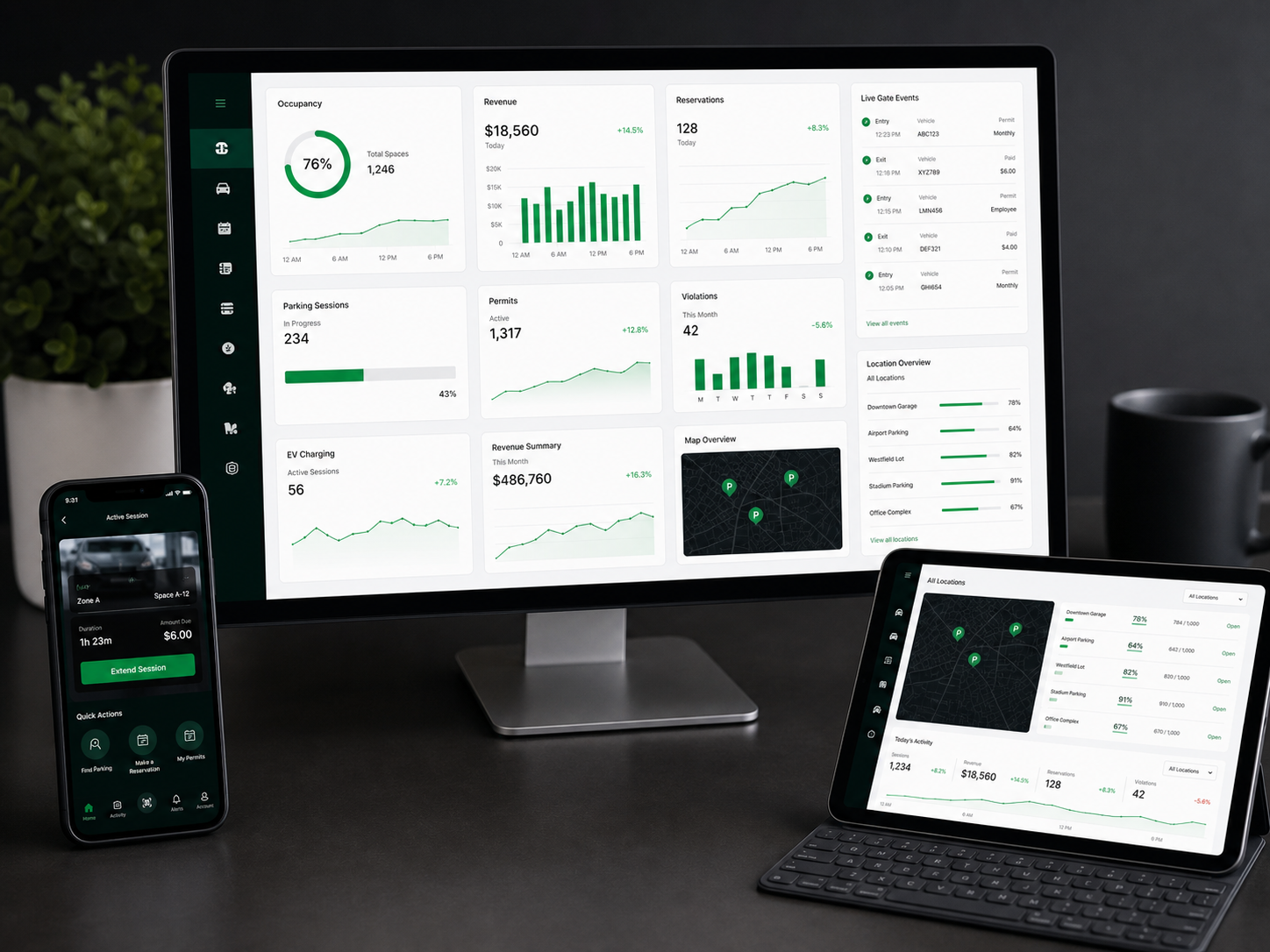
A 30-minute call: we walk through your site, show the journey above on real screens and tell you what it would take to go live.
Questions we hear
Do residents need to install an app?
No. Residents can use the ParkNCharge app or the web. Visitors don’t need anything: they pay by plate on the web, or a resident registers them in advance.
Do we need new gates and cameras?
Not to start. Guards can check plates in the security app, or you can use Smart Tally cards. Cameras and barrier control can come later on the same system.
How is the waiting list kept fair?
Spaces are offered in the order people joined. Each offer has a deadline; if it isn’t accepted, the space goes to the next person automatically, and the history is kept.
Can the estate set its own rules?
Yes: permit types, prices, how long visitors can stay, whether renewal is one tap, and what happens when bills are unpaid.
Also on ParkNCharge